
 |
| Convert Sticker Telegram to WhatsApp |
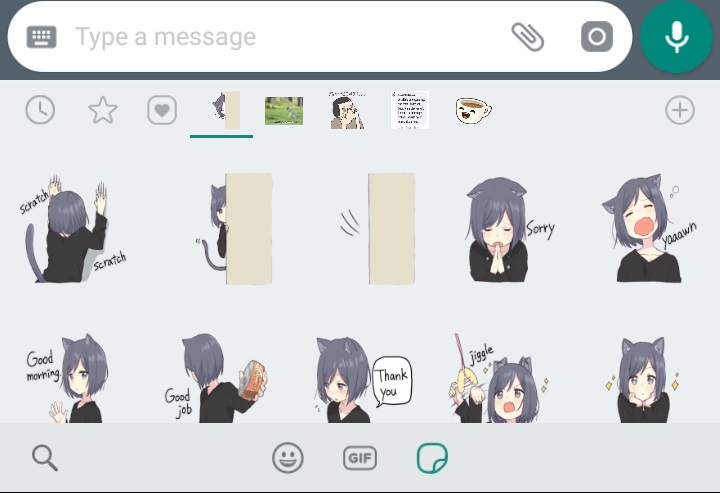
WhatsApp stickers are popular features recently that’s released by WhatsApp. In a short time, there are so many stickers applications available on PlayStore.
To use that sticker, you must download that sticker first then add to WhatsApp.
How about Telegram? Sticker on Telegram it’s easier to use I think, there are so many stickers that you can download in the Telegram app, no need install from PlayStore or AppStore.
And you may be interested to use the Telegram sticker for WhatsApp, well…
If you want. I’ll give you a tutorial step by step… XD
Suggestion:
- Trick to Hide Your Last Seen on WhatsApp
- How to Send Messages on WhatsApp without Saving the Number or Contacts, Direct WhatsApp
To convert the stickers from Telegram, please follow these steps.
TUTORIAL CONVERT TELEGRAM’S STICKER INTO WHATSAPP STICKER
1. Download Sticker on Telegram
The first you must do it’s download the stickers that you want to convert from Telegram, the tutorial to download sticker from telegram already I wrote on the previous post. You can read here “How to Download Telegram Sticker”
Extract it with RAR/Zip Achiever.
The sticker will be an image.
2. Convert to WhatsApp
To be able to use for WhatsApp, actually you need to create an application called “WhatsApp Sticker” first, but you can use the 3rd applications like “WA Sticker Maker”
- Get any application of “WhatsApp Sticker Maker” on PlayStore or AppStore if you an iOS user, I’m using “StickerMaker” by Ido Ideas. Click here
- Install and Open it.
- Click on “+” button and type your “Sticker’s Name” and “Creator’s Name“, You can use your name or whatever
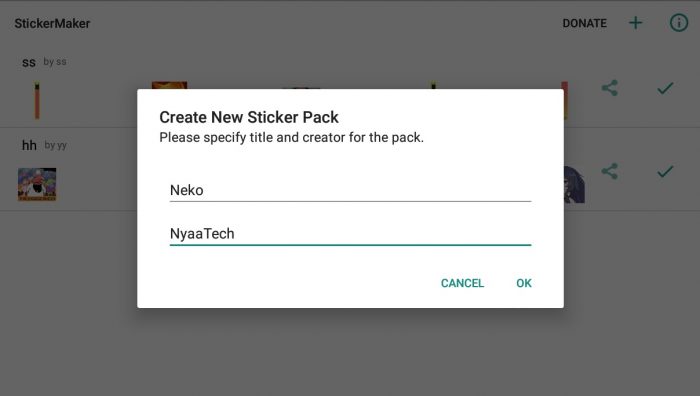
- Select your telegram stickers that are already extracted, you can select multiple stickers
- hit on “ADD TO WHATSAPP“
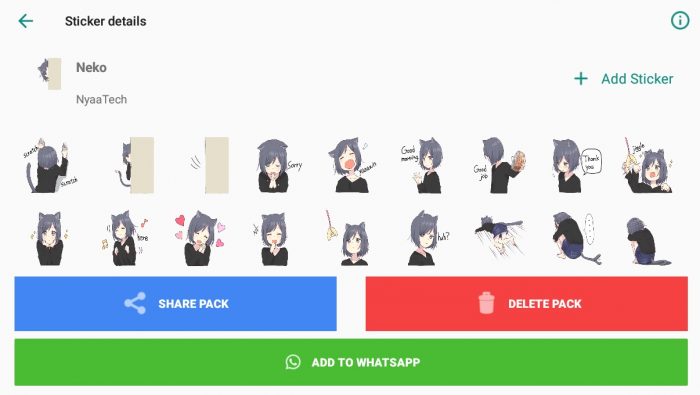
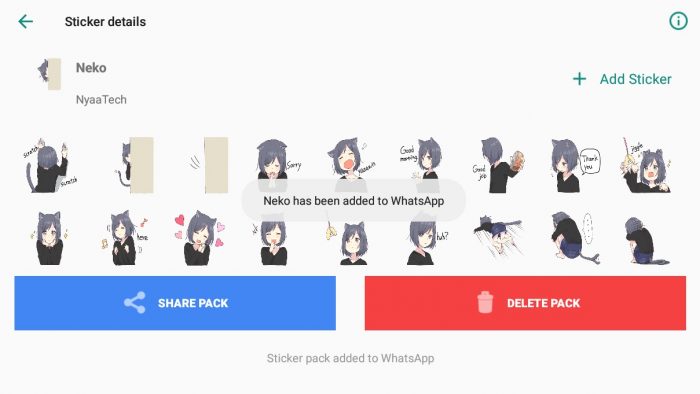
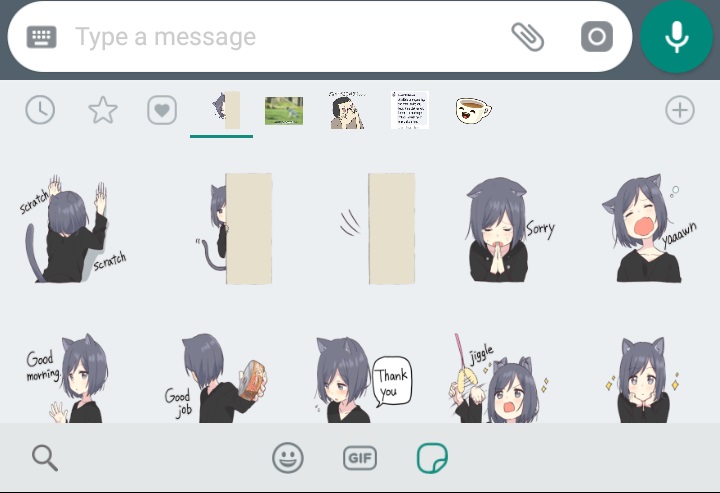
- Done XD
That’s easy XD
Oh well, you can delete the picture of the sticker from Telegram but don’t delete the “Sticker Maker” application or all of the stickers will be lost.
Suggestion:
Have a problem when converting the stickers?
Type in the comment section
Have a nice day!
See you in the next post
Neko

good